Server

The mcp-use server framework extends the official MCP Python SDK with enhanced features for building production-ready MCP servers. It provides built-in documentation endpoints, inspector UI, improved logging, and seamless integration with the mcp-use ecosystem.

Why mcp-use Server Framework?

At mcp-use we spent a lot of time building MCP servers. The development experience was subpar in many respects. Since this was starting to slow us down a lot, we decided to expand in the server direction as well.We have many cool ideas and features that we want to add to the server framework. If you have any ideas, please let us know on Discord. 💜
While the official MCP Python SDK provides the core functionality for building MCP servers, mcp-use enhances it with:
MCP

Official SDK Compatibility

Fully compatible with the official MCP Python SDK. Extends existing functionality without breaking changes, ensuring seamless migration.
Inspector

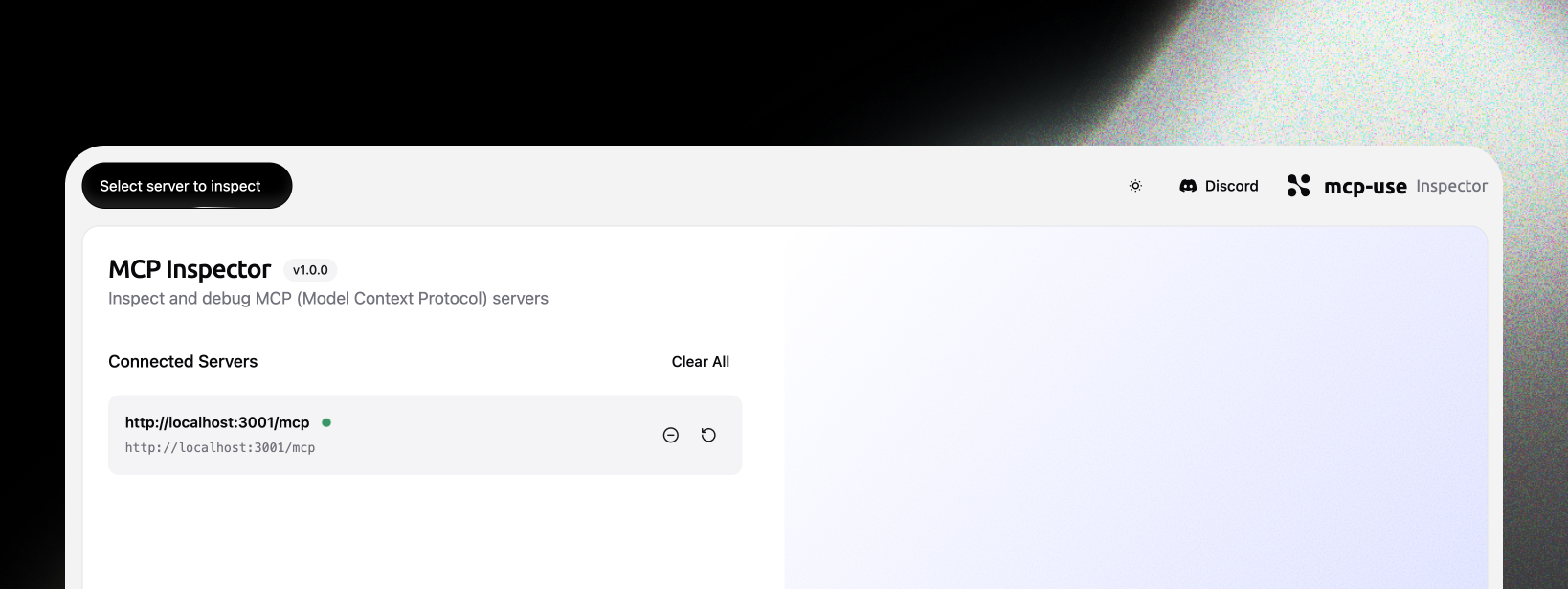
Inspector UI

Built-in web interface for real-time server monitoring, tool exploration, and debugging. Accessible at /inspector endpoint.
OpenMCP

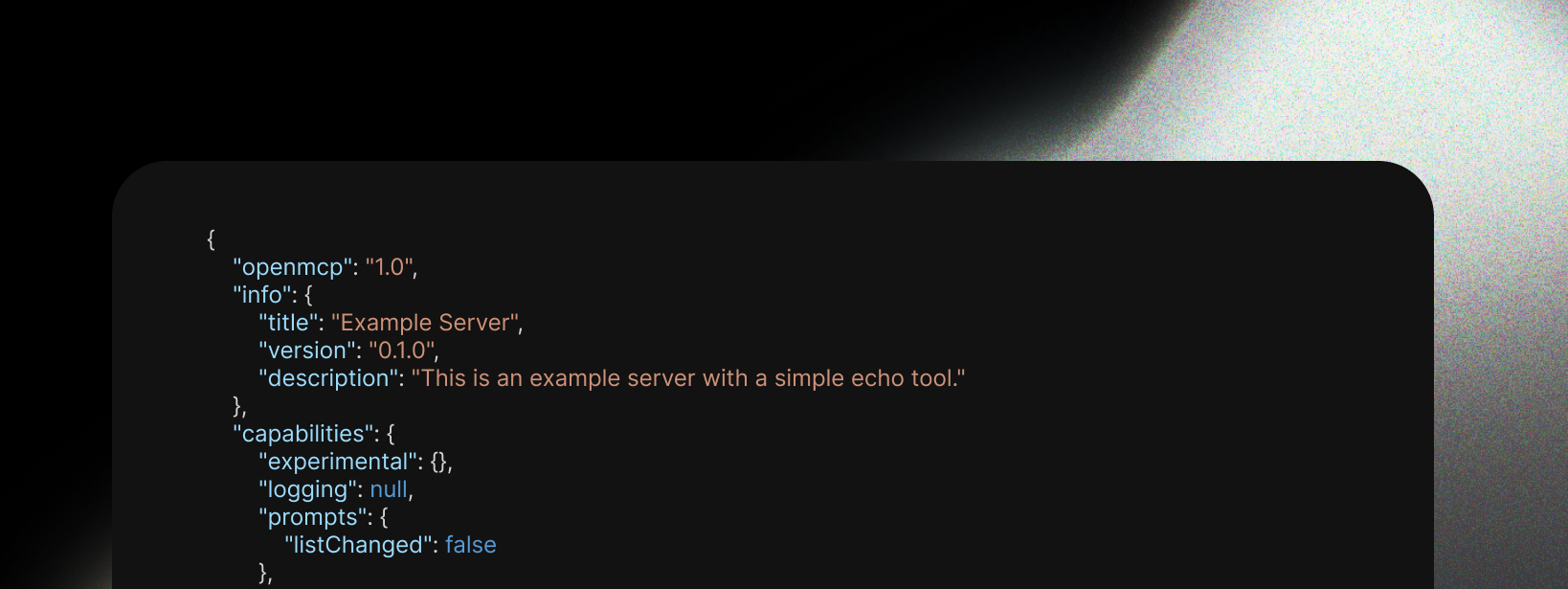
openmcp.json

Automatic generation of openmcp.json endpoint for server discovery and metadata. Provides standardized server information for MCP clients and tools.
Logging

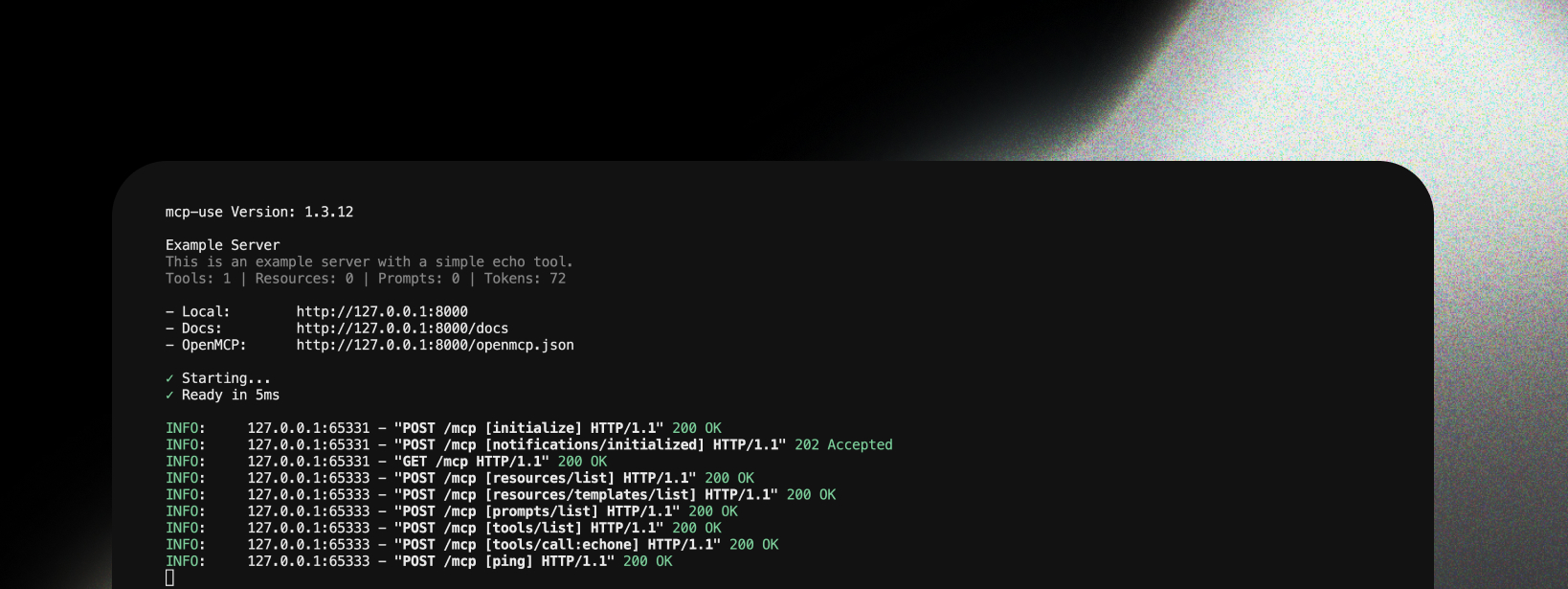
MCP-Specific Logging

Enhanced logging system designed specifically for MCP servers with structured output, request tracing, and performance metrics.

Compatibility

Official MCP SDK

mcp-use server framework is fully compatible with the official MCP Python SDK. It extends the SDK rather than replacing it, ensuring:
  • All official MCP features work as expected
  • Existing MCP servers can be easily migrated
  • Full compliance with MCP protocol specifications

fastmcp2

mcp-use complements fastmcp2 by providing:
  • Different Focus: fastmcp2 focuses on rapid prototyping, mcp-use focuses on production features
  • Enhanced Observability: Better logging, metrics, and debugging tools
  • Ecosystem Integration: Native compatibility with mcp-use clients and agents
  • Documentation: Built-in API documentation and inspector UI
You can use both frameworks in the same project if needed.

Quick Start

Build your first MCP server in minutes with this step-by-step guide:
1

Install mcp-use

pip install mcp-use
2

Create your server file

Create a new file called my_server.py:
from mcp_use.server import MCPServer

server = MCPServer(
    name="My Server",
    version="1.0.0",
    instructions="A simple example server"
)
3

Add your first tool

Define a tool using the @server.tool() decorator:
@server.tool()
def echo(message: str) -> str:
    """Echo back the provided message."""
    return f"Echo: {message}"
4

Add more tools (optional)

Add additional tools to extend functionality:
@server.tool()
def calculate(a: int, b: int) -> int:
    """Add two numbers."""
    return a + b

@server.tool()
def get_time() -> str:
    """Get current time."""
    from datetime import datetime
    return datetime.now().isoformat()
5

Run the server

Add the run command at the bottom of your file:
if __name__ == "__main__":
    server.run(transport="streamable-http", debug=True)
Then run it:
python my_server.py
6

Access your server

Your server is now running at http://localhost:8000:
  • MCP endpoints: /mcp
  • OpenMCP metadata: /openmcp.json (debug mode only)
  • Documentation: /docs (debug mode only)
  • Inspector UI: /inspector (debug mode only)

Complete Example

Here’s the full code in one place:
from mcp_use.server import MCPServer
from datetime import datetime

server = MCPServer(
    name="Example Server",
    version="1.0.0",
    instructions="This is an example server with a simple echo tool."
)

@server.tool()
def echo(message: str) -> str:
    """Echo back the provided message."""
    return f"Echo: {message}"

@server.tool()
def calculate(a: int, b: int) -> int:
    """Add two numbers."""
    return a + b

@server.tool()
def get_time() -> str:
    """Get current time."""
    return datetime.now().isoformat()

if __name__ == "__main__":
    server.run(transport="streamable-http", debug=True)

Transport Options

Choose the right transport for your use case:
# Standard input/output (for MCP clients like Claude Desktop)
server.run(transport="stdio")

# HTTP server (for web clients and testing)
server.run(transport="streamable-http", host="0.0.0.0", port=8000)

Debug Mode

Enable debug mode for development features:
server = MCPServer(name="My Server", debug=True)
Debug mode provides:
  • /openmcp.json endpoint for server discovery
  • /docs endpoint with interactive documentation
  • Enhanced logging with detailed request information

Server Icons

Add icons to your server implementation so MCP clients can display them:
from mcp.types import Icon
from mcp_use.server import MCPServer

server = MCPServer(
    name="My Server",
    icons=[Icon(src="https://example.com/icon.svg", mime_type="image/svg+xml")],
)
Icons are included in the initialize response and can be used by clients for display in tool pickers, server lists, etc. You can also set icons on individual tools via the @server.tool() decorator:
@server.tool(
    icons=[Icon(src="https://example.com/tool-icon.png", mime_type="image/png")],
)
def my_tool(param: str) -> str:
    return param

Next Steps